
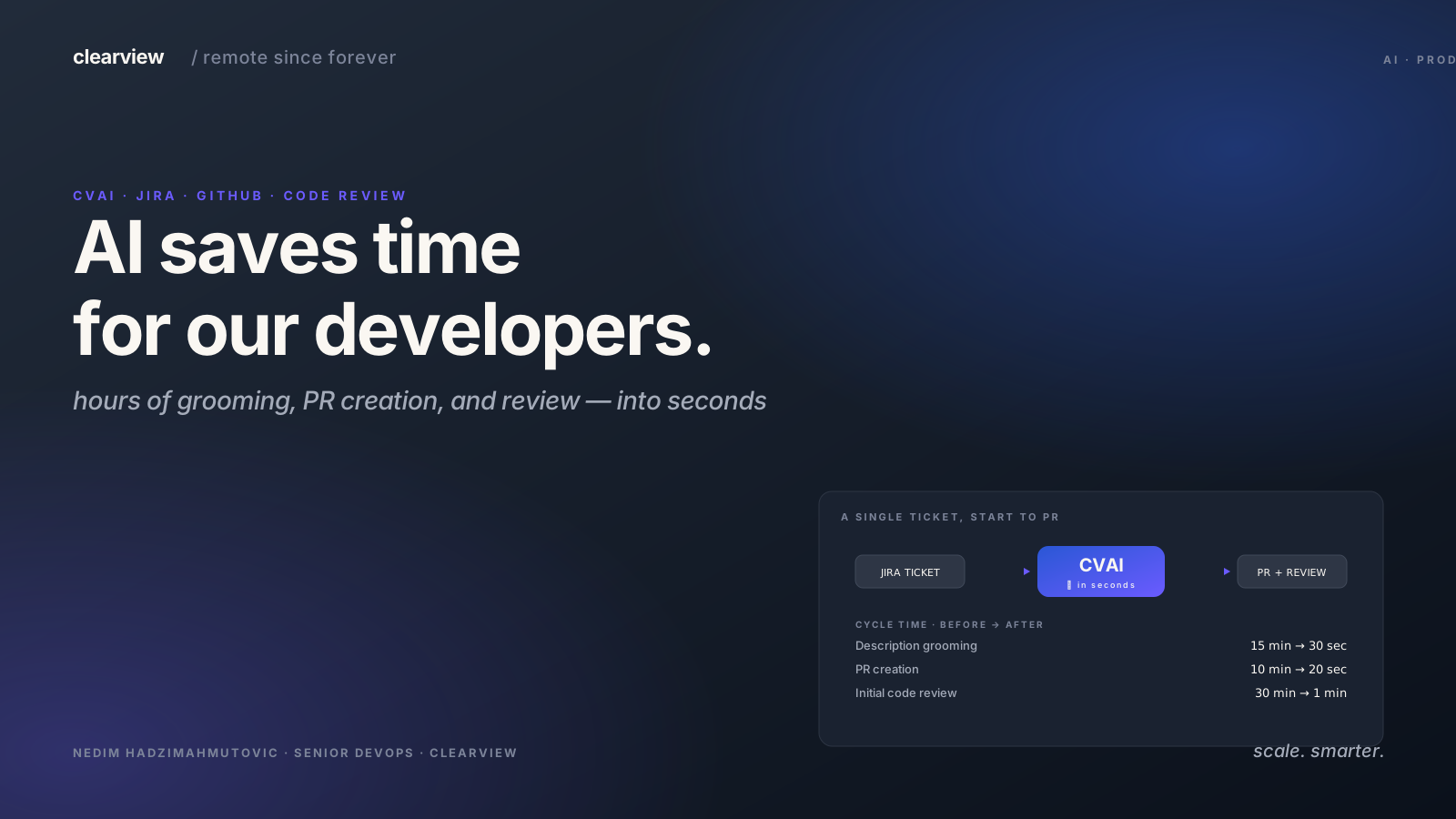
How do we use AI in our daily software development?
AI, especially ChatGPT, has changed the software industry (and others) fast. However, ChatGPT is too plain and raw for us to be able to use it efficiently. That is why we decided to build on top of the technology behind ChatGPT, GPT itself; with features integrated with our day-to-day development flow.
We built CVAI to improve development efficiency at Clearview.
Why AI?
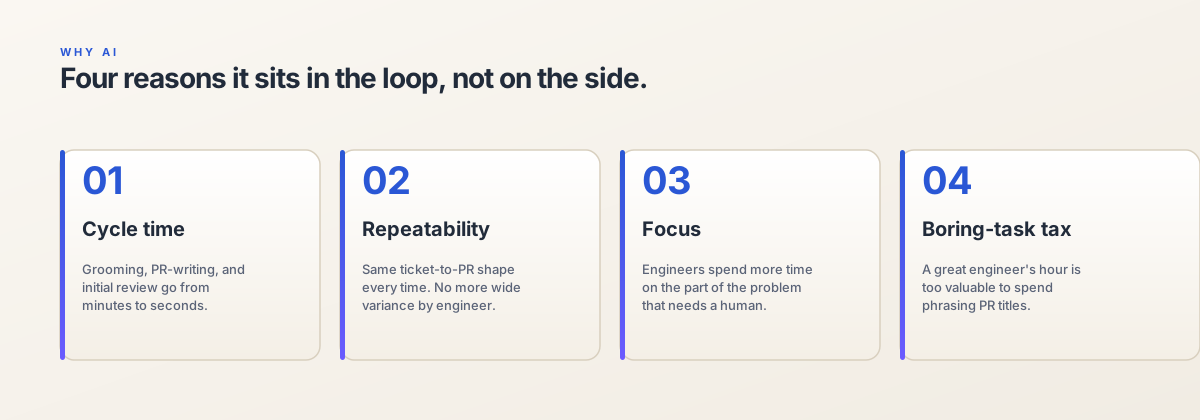
AI, especially LLM — acts as a very smart parrot that can repeat the right text, if we teach them properly. Luckily, the code is text, which means we can use LLM to parrot the code that we want. Given their large corpus, LLM can guess the next correct code, or the most probable text based on their existing training data and a given prompt.
Good examples are:
- Analysis — AI can help detect potential problems based on the structural syntax of the code. It can act as a static analysis and a linter.
- Refactoring — Fed from the chain of thoughts when doing analysis, we can ask the AI to make refactoring suggestions.
- Review — Furthering the chain of thoughts, AI can review the final code and potentially make final adjustments when needed.
Our Problems at Clearview
We have these daily tasks at Clearview where we see potential use cases of AI to help us save time and make us more efficient.
- Managing JIRA We know JIRA is slow and not exactly something we like to stare at all day. Therefore we implemented a summarizer that can summarize what we should do with our JIRA tasks.
- Creating PR The next step after implementing the code is to submit a PR, and we have a specific template on the PR to ensure the reviewer knows the context and what needs to be the focus of the PR. However, most of the content of the PR is a copy of the JIRA description with additional details on what has changed to accommodate the task.
- Reviewing PR When the developer can focus on reviewing what’s important, we can offload the burden of reviewing tiny details like typos, best practices, inconsistencies, etc. with AI. This would act as a third eye that helps us catch potential issues on the PR.
- Refactoring Our codebase contains a lot of legacy approaches that we wanted to refactor. For example, we used Axios on our front end and we wanted to migrate it to React Query. AI shines bright in this case of example-based generation. We give the AI what the old code looks like and how it looks after refactoring, then we give it another piece of old code and it can infer what the new refactor code would look like based on our example.
CVAI
CVAI is short for Clearview AI, a collection of modular functionalities that can interface with some of our internal tools. Unlike chat-based AI that outputs text. CVAI outputs JSON that will be parsed on the front end so it can be presented beautifully with a better user experience. Because it outputs JSON, the nature of it being modular helps a lot because it can consume the previous JSON output to continue the conversation.
CVAI is:
- Integrated with GitHub and JIRA — allowing a natural query language on these tools. E.g. “What’s the active PR? What are the tasks that are due this week?”
- Able to access repository metadata to generate pull requests based on the branch name and commit messages.
- Able to access pull request data and do code reviews.
- Able to connect knowledge between GitHub and JIRA to produce meaningful release changelog and a pull request.
First look at CVAI
Below you can see the AI bot doing its work.
CVAI doing a Code review.
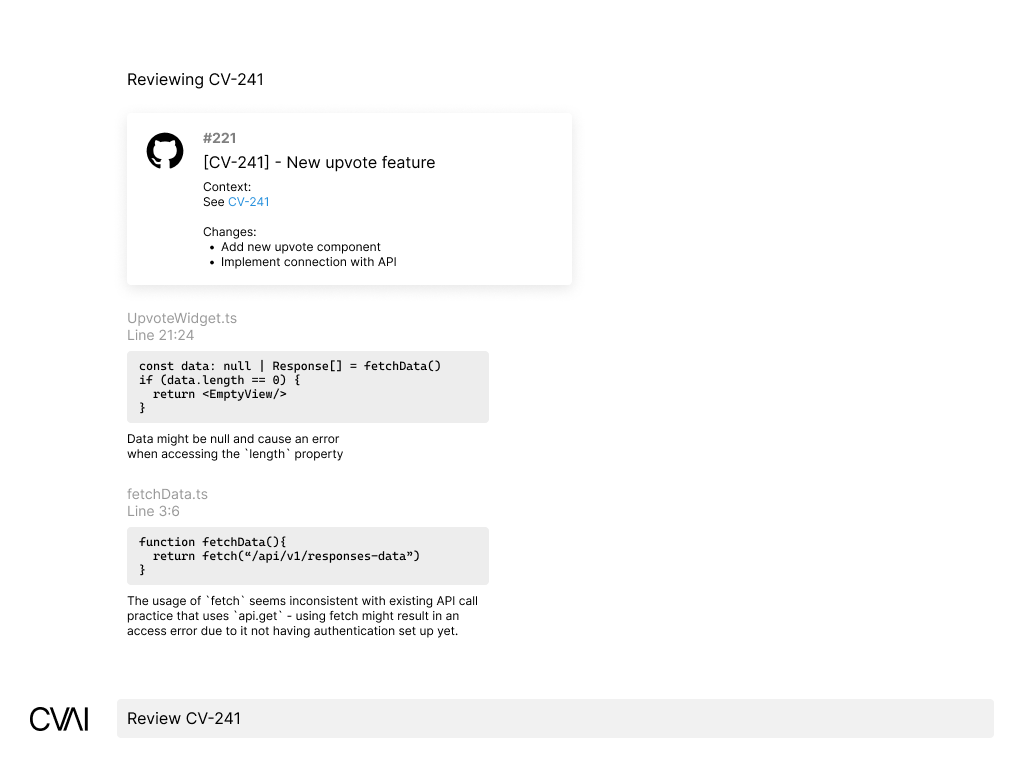
CVAI doing a Code review.
CVAI doing code refactoring.
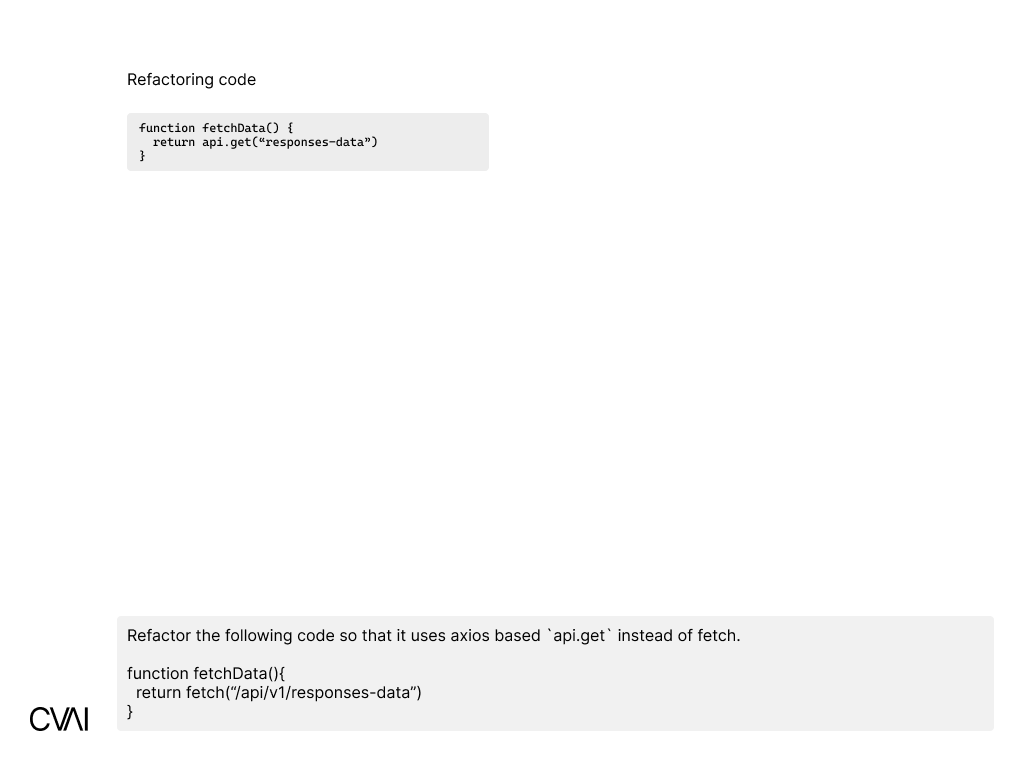
CVAI interfacing with JIRA.
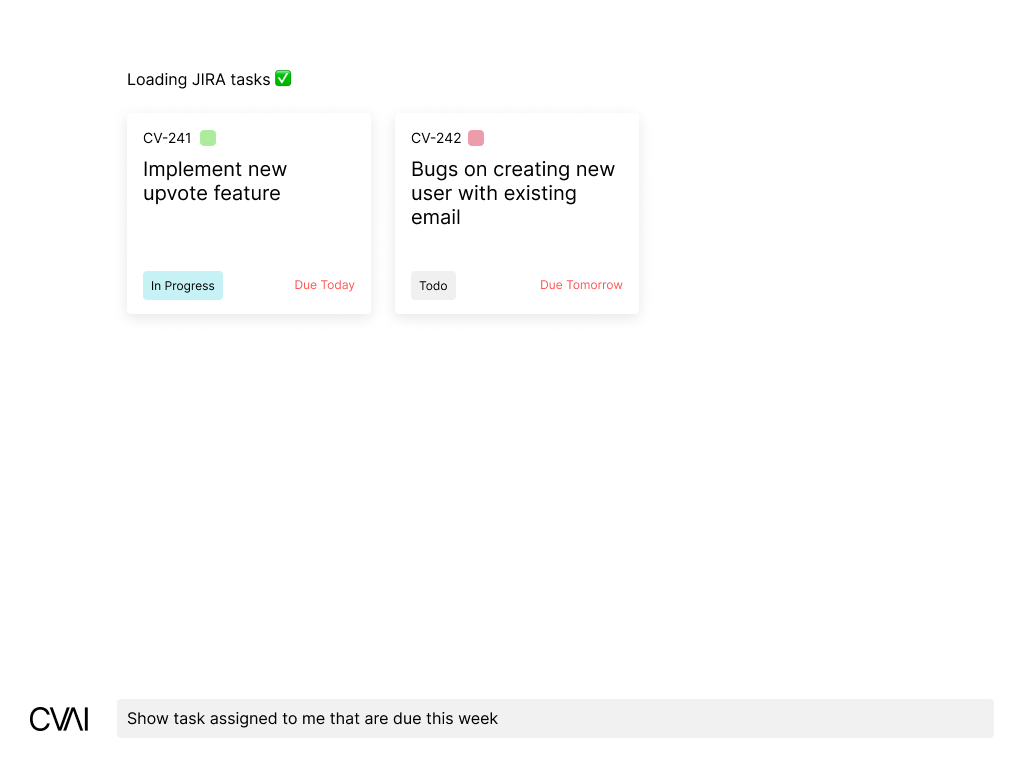
CVAI interfacing with GitHub and creating a PR.
CVAI interfacing with GitHub and creating a PR.
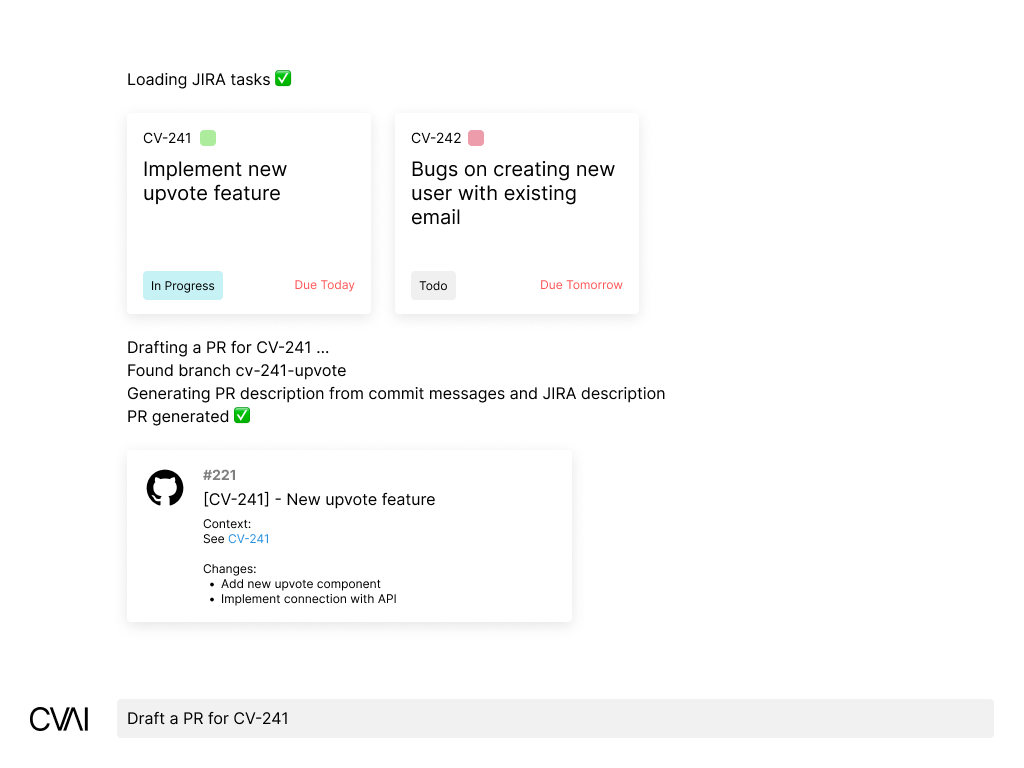
CVAI interfacing with GitHub and creating a PR.
The screenshot displayed is not an actual image of the product, we use graphic editing software to avoid sharing sensitive information on the screenshots.
How does it work under the hood?
CVAI is built on top of GPT-4 with 128K context on the Assistant API. We need the large context to be able to feed diff and generate code reviews or pull requests.
It interfaces with JIRA and GitHub, and because it uses GPT function calls, it knows when to call JIRA and GitHub before processing the user input.
Generate a PR
For example, when we request it to generate a PR. It will run this flow:
- Get the current branch name
- Get the related ticket for this branch from JIRA
- Get the list of commits on this branch from GitHub
- Generate the pull request title based on the ticket information
- Generate the pull request description based on the ticket information
- and list of commits
- Automatically create the pull request
There are 4 function calls that happen on this flow.
Request to review a PR
Another example is when we request it to review a PR.
- Get the diff between the PR branch and the target branch
- Get the ticket related to the PR
- Do code reviews based on the ticket information and diffs
The Improvements
We observed the time we spent before we utilized CVAI and how it changed our development speed.
Before CVAI, when we created pull requests, we’d do this flow:
- Open GitHub
- Create PR
- Write title
- Write description a. Open JIRA to get the ticket link b. Copy relevant info from the ticket c. Paste it on the description d. Go through the commit list and identify what has changed e. Rephrase the commit message to be easy to read
This flow depends on the complexity of the ticket. Could take about 2–3 minutes.
After we utilized CVAI, it took us 5 seconds to type:
Create a PR for branch cv-1234 to dev
That’s a whopping 115 seconds saved.
Conclusion
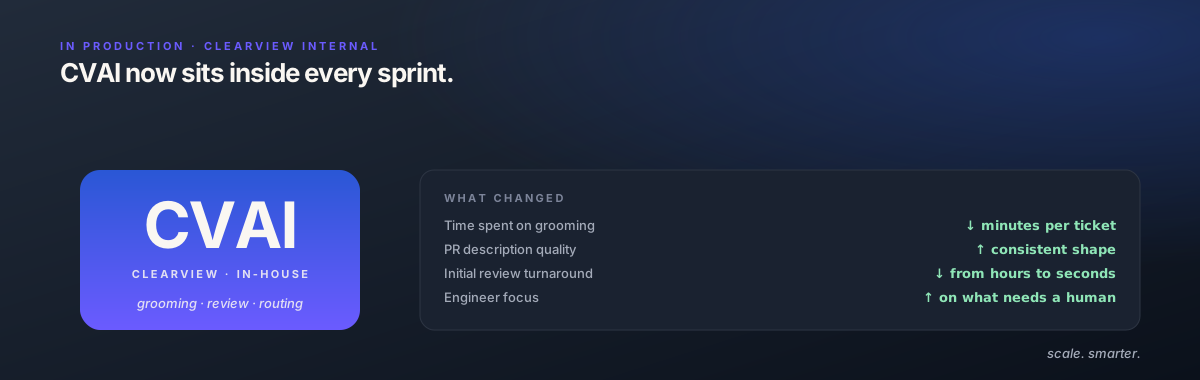
Our internal AI assistant is still in its early phases of development and we are constantly improving it to fit our use cases. It helped a lot in improving our developer productivity and we always see AI as something to augment our abilities instead of replacing us. Our use case would grow further as we discover potential usages of AI in our daily workflow.